The appointment book, rebuilt.
Simple scheduling for barbers, salons and studios. A calendar your whole team can read at a glance, and a booking page with your name on it.
Still using a notebook? Perfect.
Bookfront is laid out like the book on your front desk: a column for each person, a row for each time. If you can read that page, you already know how to use this one.
Set up in minutes
Add your services, your team and your hours. Then share your booking link.
Nothing new to learn
A column for each person, a row for each time. The page you already use.
No training day
Anyone at the front desk can take a booking on their first shift.
The whole day in view
Appointments, walk-ins and breaks together on one screen.
Booking should take seconds.
Customers pick a service, a person and a time, then leave a name and number. Choose. Book. Done.
- No account to create
- Customers book with a name and a phone number. That's all you need too.
- No app to download
- Your booking page opens in any phone's browser, from Instagram, Google or a text.
- No password to remember
- Nothing to sign in to, so nothing to forget or reset.
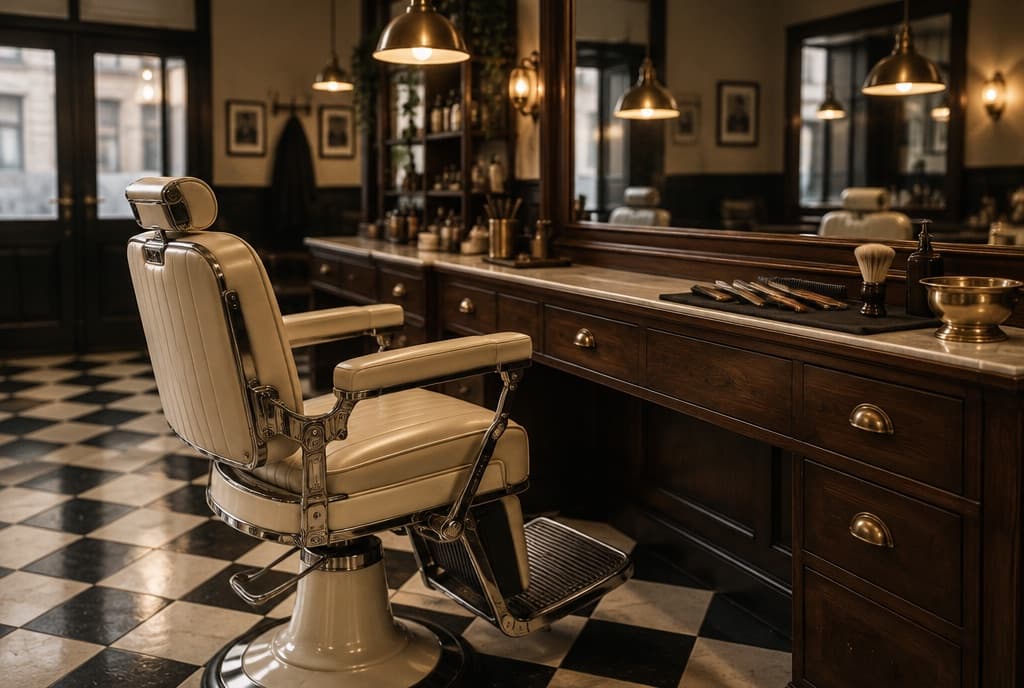
Joe's Barbershop
Open today until 7:00
Choose a service, step 1 of 4
Try it. This demo doesn't book or send anything.
Your business. Not ours.
Your customers see your name, your logo and your colors. Not a marketplace, and not other shops listed next to yours. Bookfront stays in the background.
- J
Joe'sBarbershop
14 Market Street. Open today until 7:00
- Haircut30 min$30
- Haircut + Beard45 min$45
- Beard trim20 min$20
Next available today
10:3011:151:00Book a chairBarbershop Lunanail studio
Riverside Arcade. Open today 10 to 6
- Gel manicure45 min$40
- Luxury pedicure60 min$55
- Nail art30 minfrom $15
Next available Thursday
11:002:304:00Book your visitNail studio - 22
Studio 22Tattoo & piercing
By appointment. Walk-ins Saturdays
- Consultation30 minFree
- Flash piece1-2 hrfrom $120
- Custom session4 hrfrom $400
Next available Saturday
12:003:005:30Book a consultationTattoo studio
- Your logo and colors
- Set them once and your booking page matches your shop.
- Your own booking link
- Put it in your Instagram bio, on Google and on your website.
- Custom domains, later
- Booking at an address like book.yourshop.com is on the roadmap. We'll say when it's ready.
Everything happening today. One screen.
Who's in, who's next, who's free. On the front-desk computer, the tablet by the chair or the phone in your pocket.
Today
Tuesday, October 13
- 9:00John CarterHaircut, 30 min
- 9:45David KimHaircut + Beard, 45 min
- 11:00Walk-inHaircut
- 11:30Chris ParkHaircut, booked online
- 12:30LunchUntil 1:15
- 2:00Leo GrantKids cut, 30 min
- 2:30Open, 30 min
- Appointments
- Booked online or by you, colored by service.
- Walk-ins
- Added in one tap when someone comes through the door.
- Blocked time
- Lunch, breaks and time off. Nobody can book over it.
- Open slots
- Gaps are easy to spot and easy to fill.
Six things, done properly.
Bookfront does the work of an appointment book and a front desk. It doesn't try to run the rest of your business.
Calendar
The whole day for the whole team, readable in a glance.
Online booking
Customers book themselves, even when you're busy or closed.
Customers
Contact details, visit history and notes, kept with every booking.
Team
Working hours and availability for every person on the schedule.
Reminders
Coming soon: an email or text the day before, so fewer appointments are forgotten.
Your brand
A booking page with your name, logo and colors.
Made for businesses that run on appointments.
If your day is a list of names and times, Bookfront fits. Pick your trade to see how it works for you.
- BarbersHaircut, Skin fade, Beard trim
- Hair salonsCut and style, Full color, Balayage
- Nail salonsGel manicure, Pedicure, Acrylic full set
- Beauty salonsBrow shape, Lash lift, Makeup
- Tattoo studiosConsultation, Small piece, Half-day session
- MassageSwedish massage, Deep tissue, Sports massage
- EstheticiansSignature facial, Chemical peel, Dermaplaning
- Personal trainersIntro session, Personal training, Partner session
Everything you need. Nothing you don't.
A lot of scheduling software grew into business software. Bookfront stays an appointment book, so getting started is four steps, not a project.
The usual way
- A long setup wizard before you can take your first booking
- Menus inside menus for features you'll never open
- Customers asked to create an account just to book
- Your booking page listed next to other businesses
- Add-ons and upgrades for the basics
With Bookfront
- 1Create your businessName, address and opening hours.
- 2Add your servicesWhat you offer, how long it takes, what it costs.
- 3Add your teamWho works when.
- 4Start bookingShare your link. Appointments land in your calendar.
Free while we're in beta.
Bookfront is in a free, invite-only beta. We'll publish prices before launch and give you at least 30 days' notice before any charge.
Early access
Pricing announced at launch
- Calendar and day view
- Online booking page
- Customer list and notes
- Team schedules
- Reminders (coming soon)
- Your logo and colors
Free during the beta. See the beta terms.
Ready to replace the notebook?
Set up your business and start taking appointments in minutes.
Request an invite